

Open source. Yours to build with.
Your editor, terminal, and AI. Together.
Build in one open-source workspace. Bring your own API keys or run models locally.

The workbench
Less switching.
More building.
A terminal, editor, AI agent, local ML lab, repository map, and SVG studio — organized around the work you actually do.
Terminal
- Full PTY — PowerShell, cmd, WSL distros
- Unlimited tabs + split panes
- Shell integration & history search
- WebGL xterm.js rendering
Code Editor
- JS/TS, Python, Rust, HTML, CSS, Markdown, JSON
- AI inline autocomplete & per-hunk diff approval
- Vim mode + Prettier formatting
- Spotlight: files + commands with live preview
AI Agent
- Reads & edits files, runs shell commands
- Searches the codebase, spawns sub-agents
- 14 cloud, compatible, and local providers
- Policy-gated tools + Git-backed checkpoints
- Queue, Refactor, Review in one AI window
Git & Source Control
- Staging, diffs, and commit history
- Conflict resolution & stash management
- Worktrees & PR description generation
Debugger
- DAP-based debugger
- Breakpoints & debug toolbar
- Variable inspection & call stack
Language Intelligence
- LSP completions & go-to-definition
- Hover docs & inline diagnostics
- Symbol search & F2 rename
And everything around the work.
Explore the other tools without wading through another wall of cards.
Notebooks
- Static Jupyter notebook viewer
- Code, markdown, stream, and error output
- No kernel or notebook server required
Web Workbench
- Ports, HTTP client, and JSON/JWT/regex tools
- Inline browser preview with live reload
- Its own window, beside your code
SSH & Containers
- Connect to remote machines
- Full workspace over SSH
- Container environment support
System & Process Tools
- View all running processes
- Monitor open ports alongside your workspace
- Kill or inspect processes inline
Atlas
- Machine-wide repository status
- Isometric map — files as buildings
- 53-week commit heatmap from local git
Benchmark & ML Lab
- Compare ONNX and GGUF backends
- Train small models with a local engine
- Live metrics, run history, and reports
SVG Studio
- Source and direct canvas editing
- Shapes, palettes, backdrops, icon review
- SVG, PNG, favicon, SMIL, and CSS export
Documents
- Rich-text editing for Markdown and Word
- Plain markdown saves back byte for byte
- Local PDF export in three themes
Muscle memory
Keyboard-first.
Every core action is a keystroke away. Remap any of them from a searchable shortcuts panel.
- New terminalCtrlT
- New editor tabCtrlE
- Spotlight: files & commandsCtrlP
- Toggle bottom panelCtrlJ
- Command paletteCtrlShiftP
- Split paneCtrlD
- Open AI agentCtrlI
- Keyboard shortcutsCtrlK
- Open settingsCtrl,
- New windowCtrlShiftN
- Switch workspaceCtrl`
- Previous / next promptCtrlShift↑ / ↓
Everything a click away
Packs, not clutter.
Seven presets and ten feature packs tune the surface without installing or removing code. Every tool remains a click away when its pack is enabled.
Inside Nexis
A workspace
worth opening.
Real screens from the editor, agent, terminal, and the tools around them.
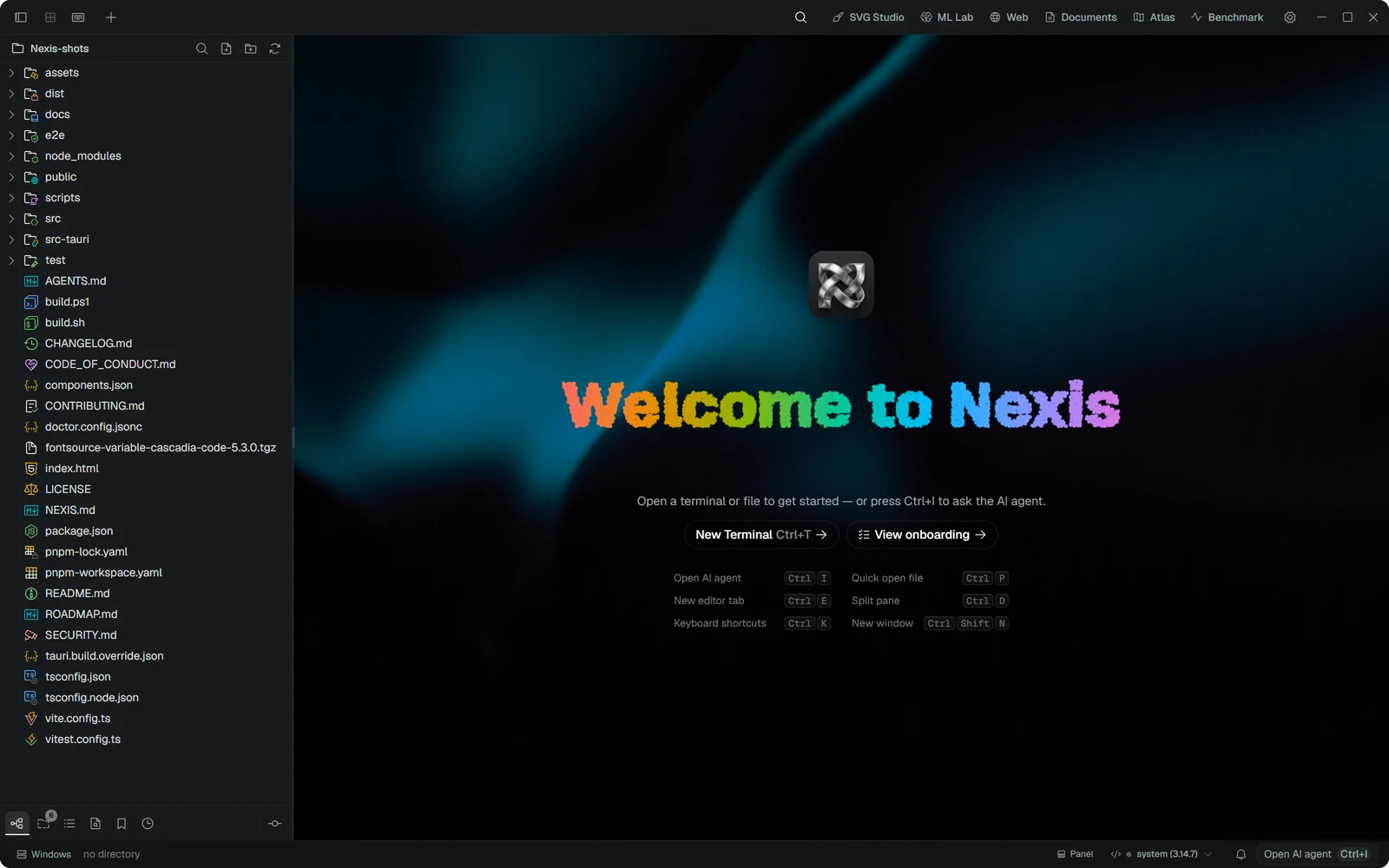
Welcome screen
A particle-built wordmark and the shortcuts you need first. It is what you see when no tabs are open.
In motion
One window,
every job.
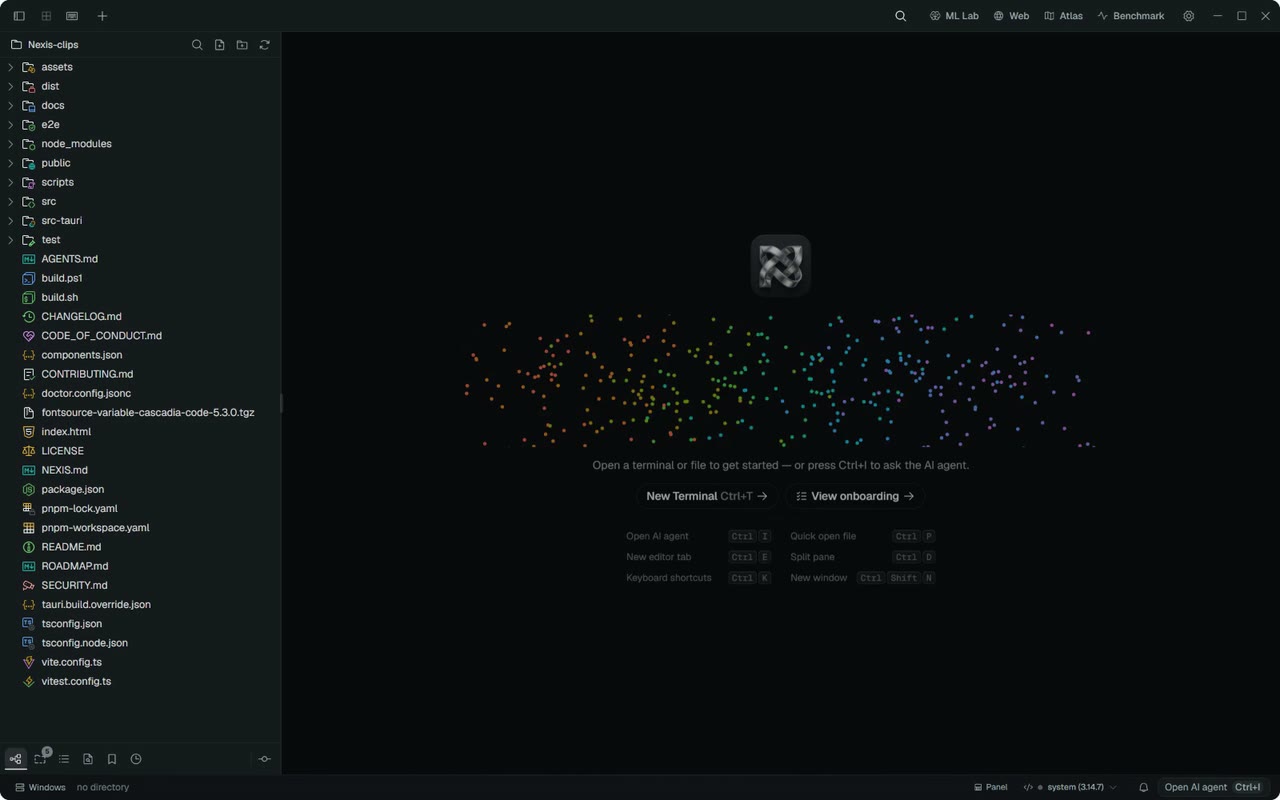
A 26-second loop recorded live from the app: the welcome screen, Spotlight, the terminal, the AI agent, Documents and theme switching. Source on GitHub
Open source · Apache-2.0
Star the repo, file issues, or open a pull request.
Nexis is built in the open. Bring your own API keys, keep your data, and help shape where it goes next.